
GTA V
Yari GTA
GTA V Enhanced mod menu compatible with BattlEye, with streamproof ESP, Lua and community file sharing.
GameGTA V
GTA V editionEnhanced only
DeliveryInstant, digital
LicensePer duration or lifetime
Anti-cheatBattlEye compatible
Using a cheat or mod menu can get your game account banned. Read Ban risk before you buy.
Features
Modules
- Protection
- HUD editor
- Players and vehicles
- World
- Live alerts
- Launcher
Core
- Join friends without being host
- Community sharing: outfits, maps, Lua, themes, vehicles
- Troll features
- Updates after game patches
7 Days plan
- Full GTA V menu
- Streamproof ESP and wallhack
- Silent aimbot and protections
- Cloud loading
- Standard Discord support
30 Days plan
- Everything in the 7 Days plan
- Lua script engine and cloud presets
- Account recovery tools
- Automatic updates
- Priority support
90 Days plan
- Everything in the 30 Days plan
- Full vehicle and weapon tuners
Lifetime plan
- Lifetime access to Yari
- All future GTA 5 updates
- VIP Discord role
- Early access to beta features
Requirements
- Windows 10 / 11
- GTA V Enhanced on PC
- Your EldroMods license key
Screenshots
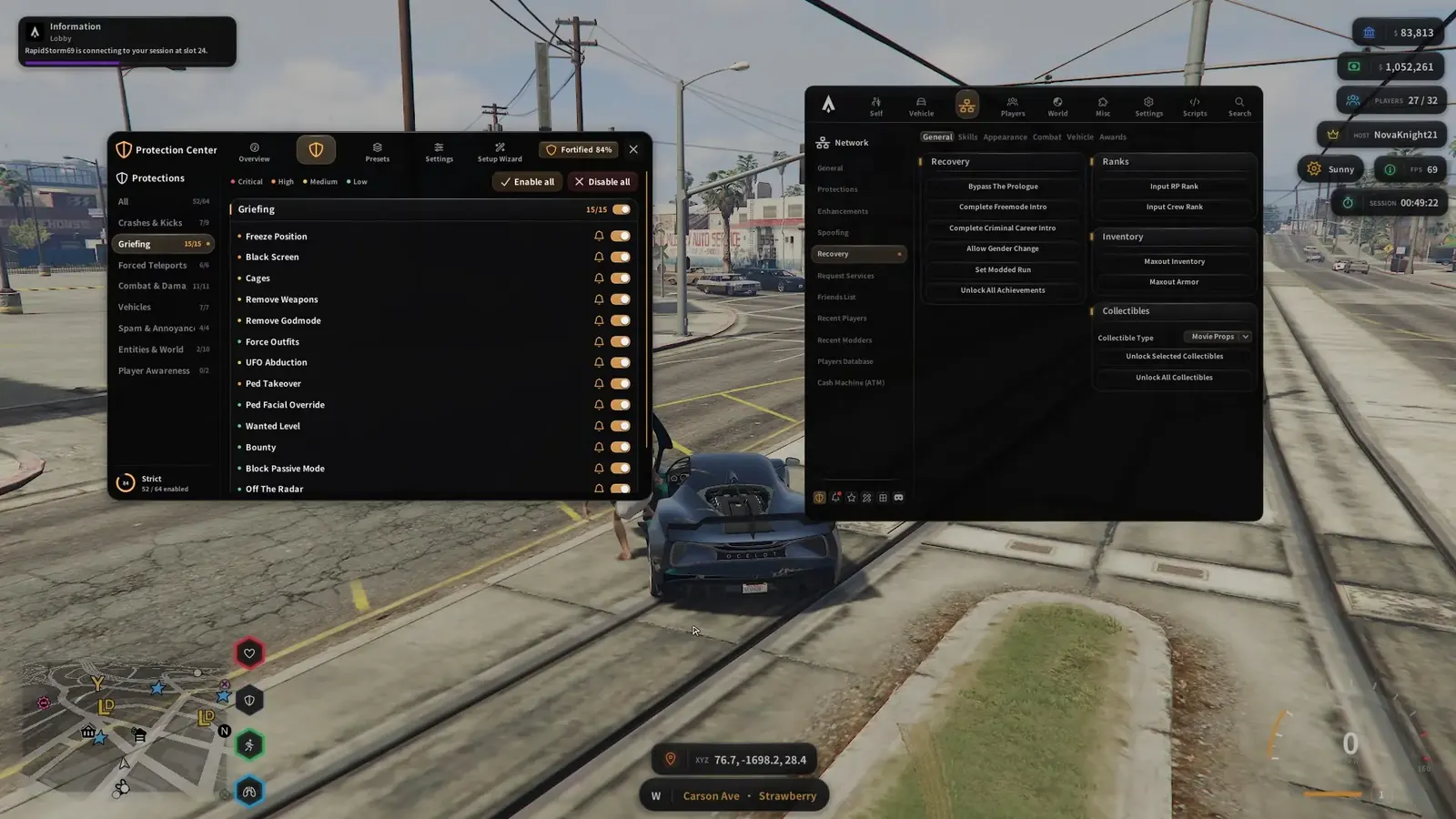
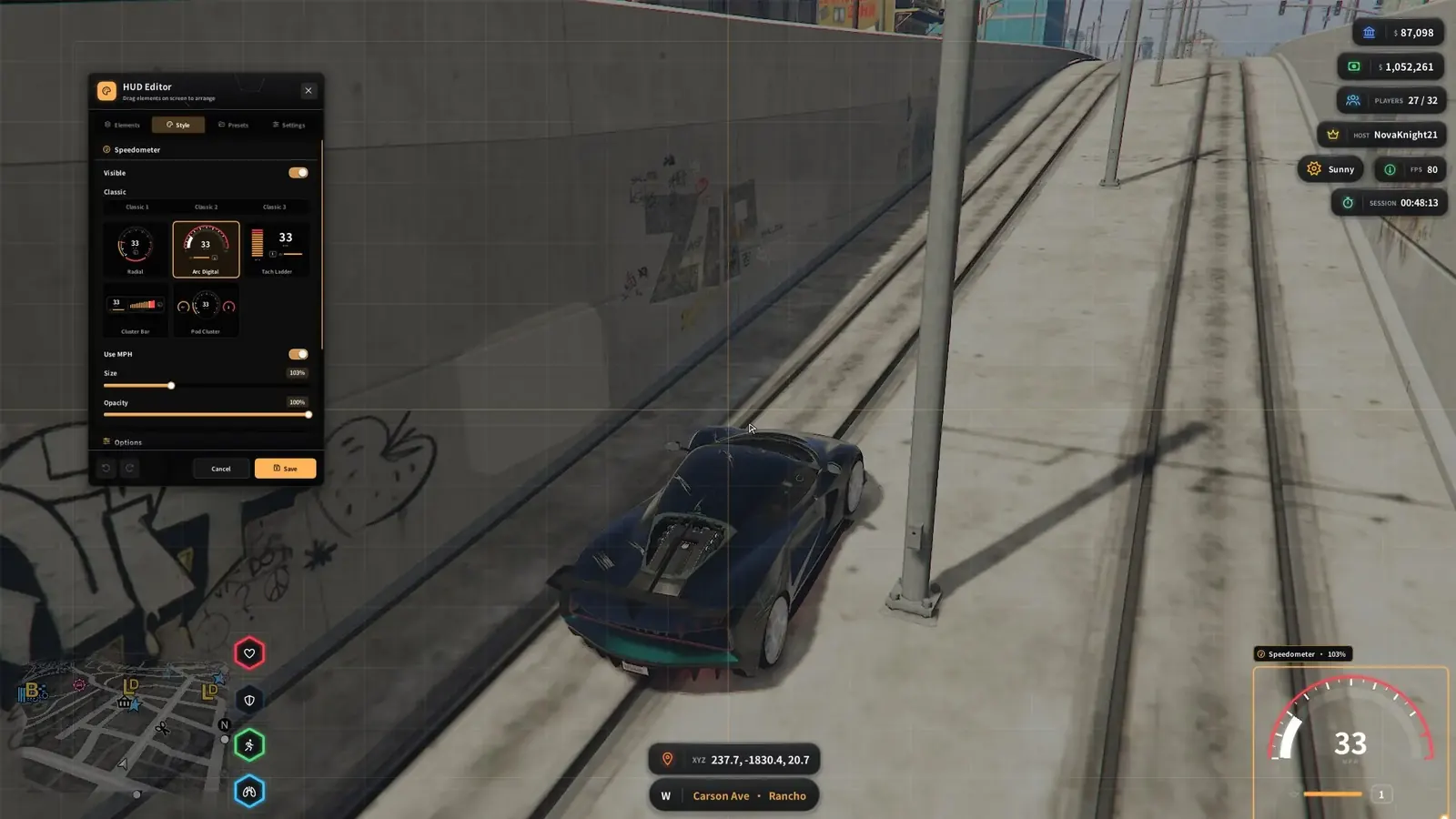
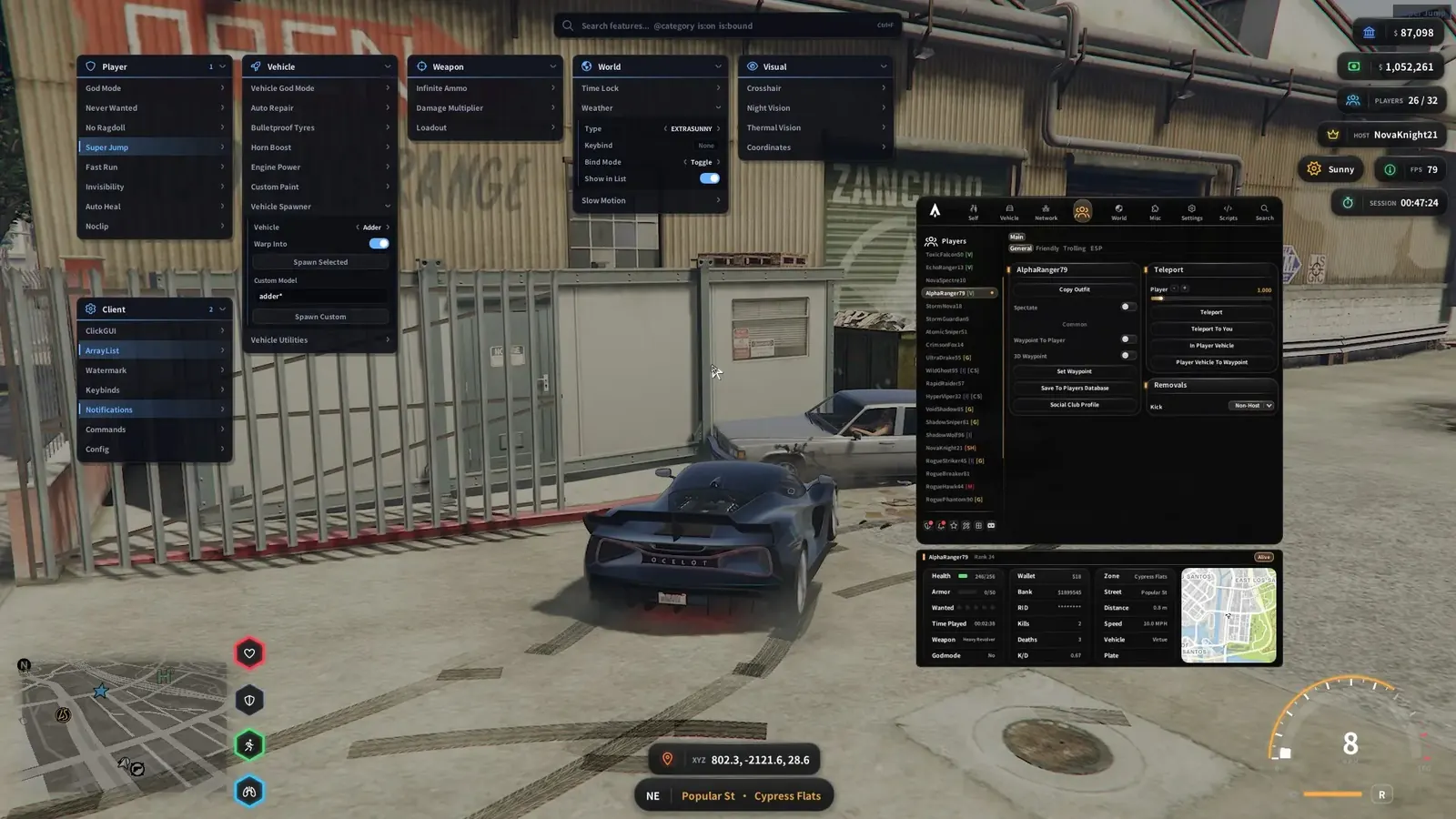
Click a screenshot to open it in full size.
Get your license
- Buy this product on the store and choose your option. The current price is always shown on the product page.
- Your license key is delivered instantly, on the order confirmation page, by email and under My Account → License Keys.
- Redeem the key on the developer's website, yari.one, not on the EldroMods store. See Activate your license.
Setup guide
Provided by the EldroMods team
Detailed setup and usage instructions are provided in our Discord community. (This section will be completed by the team.)
Developer links
These links lead to the developer's own sites. EldroMods support stays available on Discord.
Updates & status
Check whether this product is up, updating or down on the Product Status page. See Updates & product status.
Other menus for GTA V
0xCheats GTA Legacy & Enhanced
Atlas GTA
Cherax Mod Menu
Cherax Prime GTA
Ethereal GTA
Jupiter GTA
Lexis GTA
Midnight GTA
Nenyooo GTA V
NewWay GTA
Nexoria GTA
Raiden GTA
Scooby GTA
SpectraX GTA Lexis Lua
Stand GTA
Sylent GTA
Tsumi GTA V
X-Force GTA
Support
Need a hand? Open a ticket on Discord, our team is online 24/7. See also the FAQ and the Refund & Returns Policy.