
Scooby GTA
Feature-packed GTA V mod menu with powers, chaos modes, recovery and Lua support. The Premium Plus tier adds BattlEye compatibility for public lobbies.
Using a cheat or mod menu can get your game account banned. Read Ban risk before you buy.
Features
Self
- Godmode, anti-headshot, no ragdoll
- Auto heal and armor
- Never wanted, invisibility, off radar
Powers
- Noclip, flight and freecam
- Super run, jump and blink teleport
- Wall running, paraglider and dash
- Force powers, telekinesis and shockwaves
Weapons
- Infinite ammo, no reload, no recoil
- Explosive, fire, electric and teleport bullets
- One-shot kill and weapon editor
Vehicles
- Godmode, nitro and max speed
- Fly, submarine and tank modes
- Autopilot, spawner and saved vehicles
- Drift mode and handling
Online
- Player list, spectate, bring
- Kick, crash and trolling
World
- Weather and time
- Chaos, purge and riot modes
- Tornado, tsunami and nuke
- Zombie survival and alien invasion
Recovery
- Rank, stats and RP editors
- Unlock DLC, vehicles, MK2 and outfits
UI
- ESP and crosshair
- Themes and Lua support
Also included
- Scooby menus for other games, including CS2, Left 4 Dead 1 & 2, TF2, Garry's Mod, GTA IV and GTA San Andreas
Requirements
- Windows 10 / 11
- PC only
- GTA 5 (Online and Story Mode)
- Your EldroMods license key
Screenshots
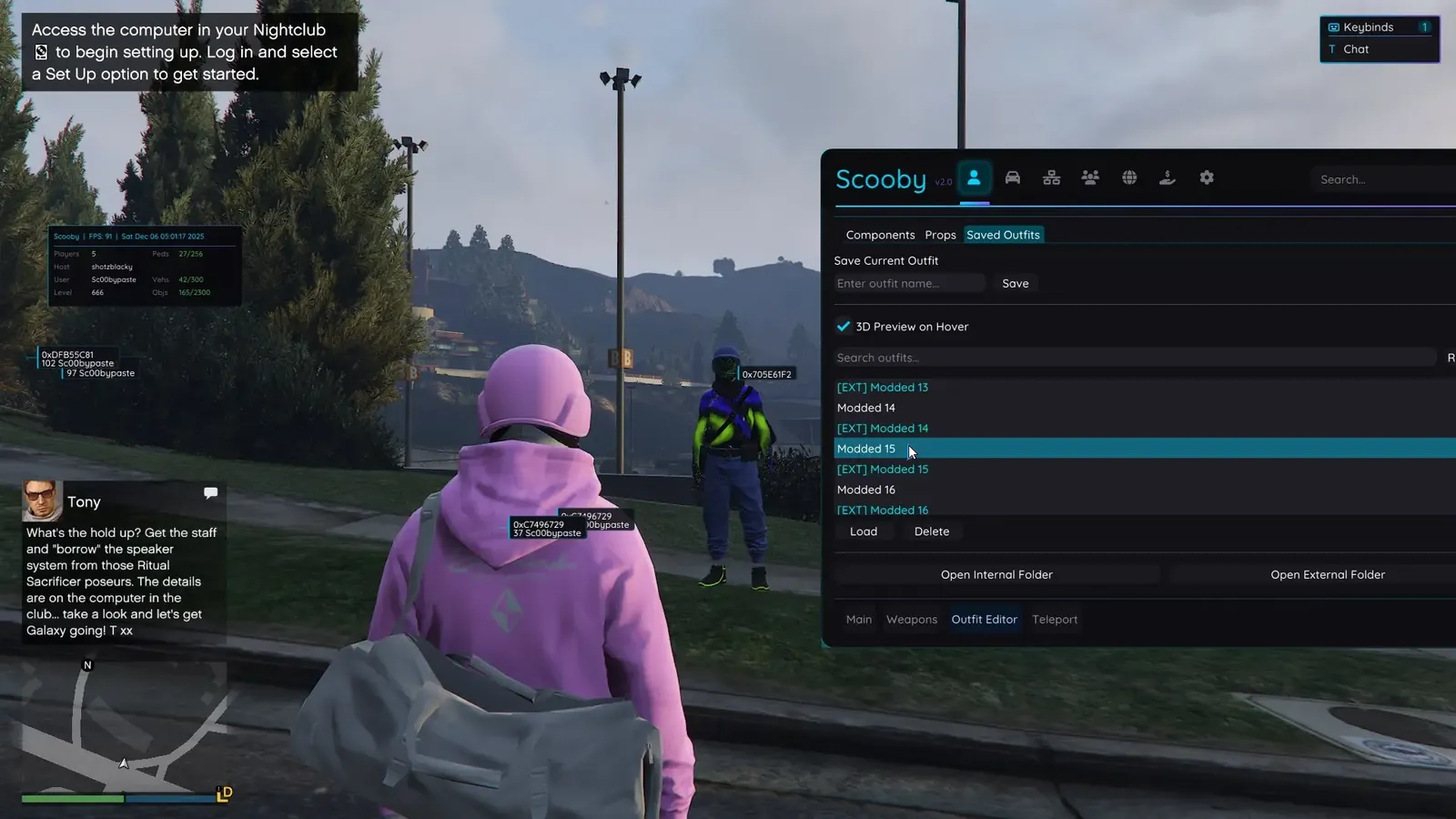
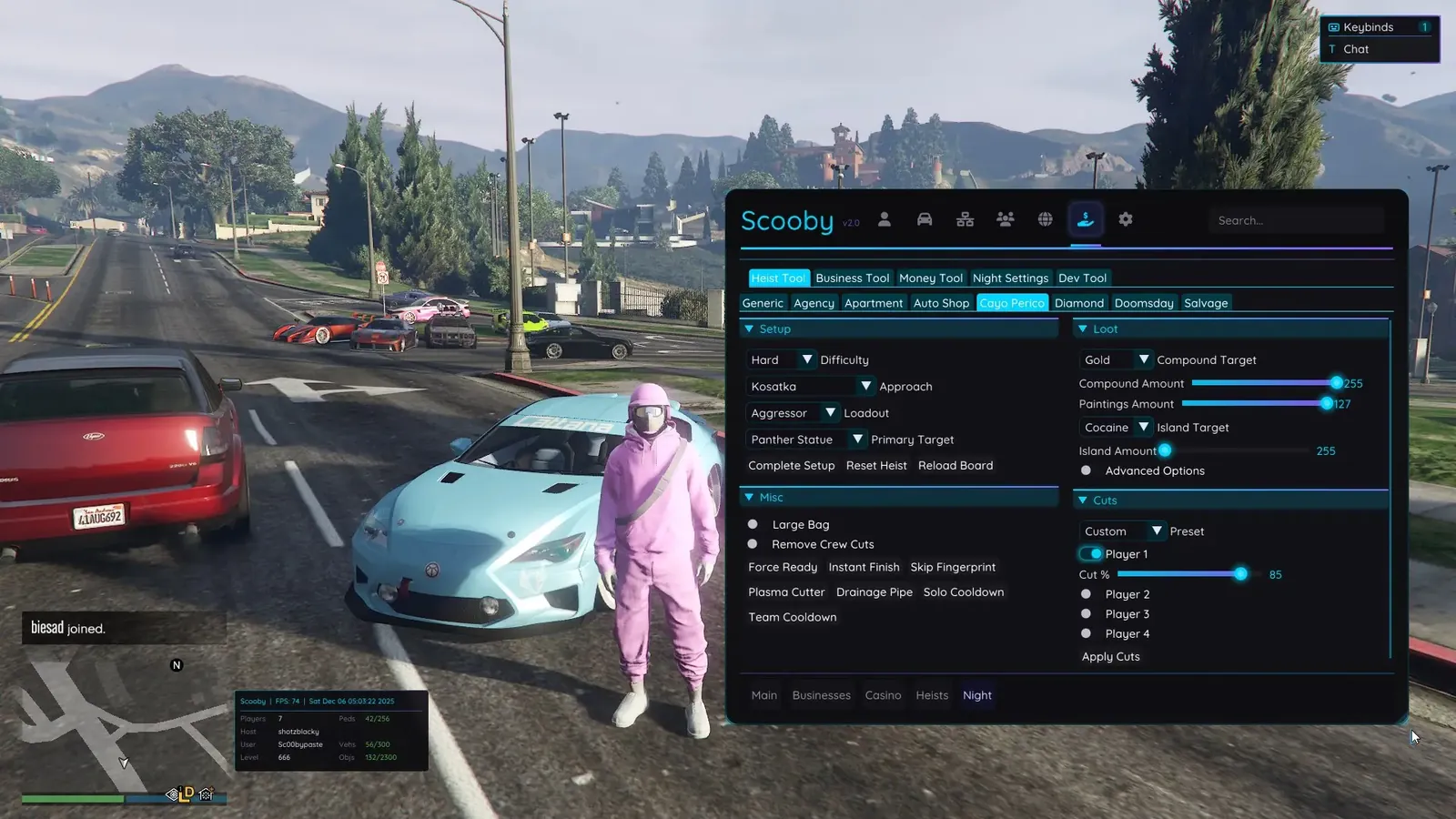
Click a screenshot to open it in full size.
Get your license
- Buy this product on the store and choose your option. The current price is always shown on the product page.
- Your license key is delivered instantly, on the order confirmation page, by email and under My Account → License Keys.
- Redeem the key on the developer's website, scoobymenu.cc, not on the EldroMods store. See Activate your license.
Setup guide
Scooby publishes its own installation and setup guides for every game it supports. Follow the official Scooby guides to install and set up the menu.
For anything about your EldroMods key or your order, our team is here to help on Discord.
Developer links
These links lead to the developer's own sites. EldroMods support stays available on Discord.
Updates & status
Check whether this product is up, updating or down on the Product Status page. See Updates & product status.
Other menus for GTA V
Support
Need a hand? Open a ticket on Discord, our team is online 24/7. See also the FAQ and the Refund & Returns Policy.