
Cherax Mod Menu
Cherax is a long-running GTA V mod menu known for its protections and its choice of two menu layouts. It comes in two tiers: Standard, and Premium, which adds money drops, free shopping and other extras. Both are lifetime licenses, and Standard can be upgraded to Premium later.
Using a cheat or mod menu can get your game account banned. Read Ban risk before you buy.
Highlights
Features
- All basic features
- Full protections
- Vehicle spawner
- Advertise session
- Kicks & crashes
- Lua scripting
- Unlock all
- Hulk mode
- Money + RP drops (Premium)
- Convert vehicle to PV (Premium)
- Traffic variety (Premium)
- Free shopping (Premium)
- Unlock GTA+ (Premium)
Requirements
- A legitimate GTA V account
- A Windows 10/11 PC that can run GTA V
- GTA V installed and up to date
- A free Cherax account to redeem your key
- Your EldroMods license key
Screenshots
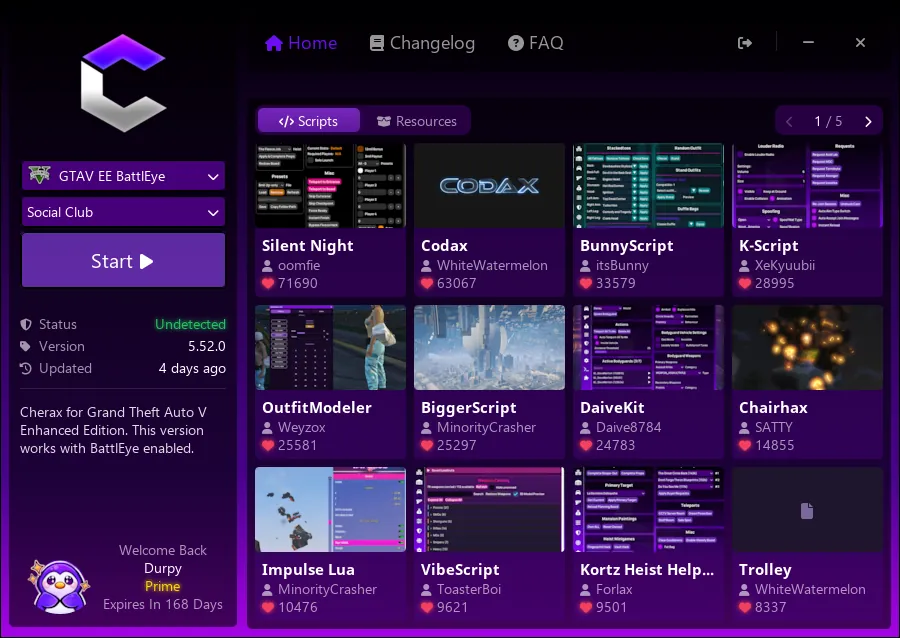
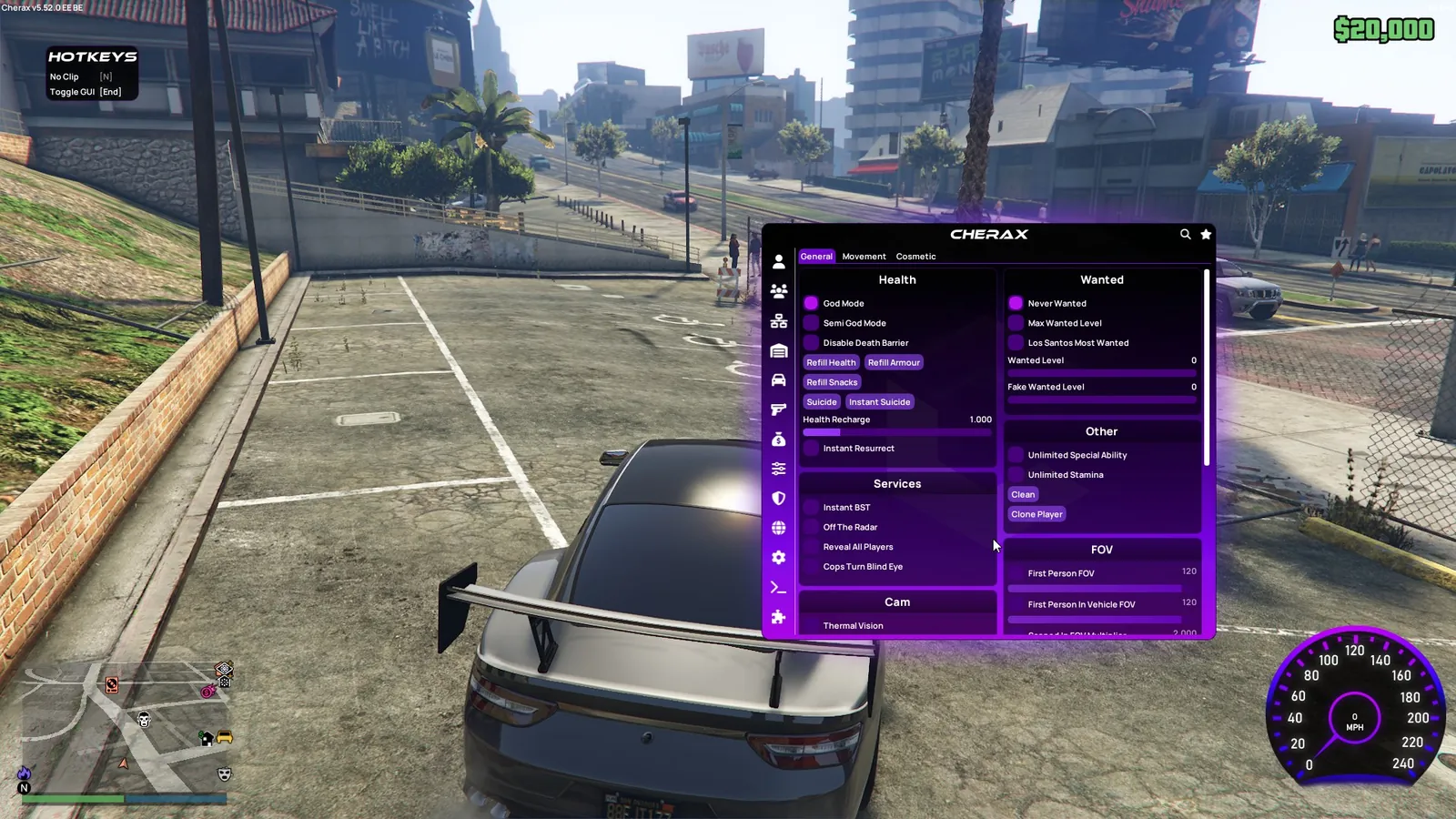
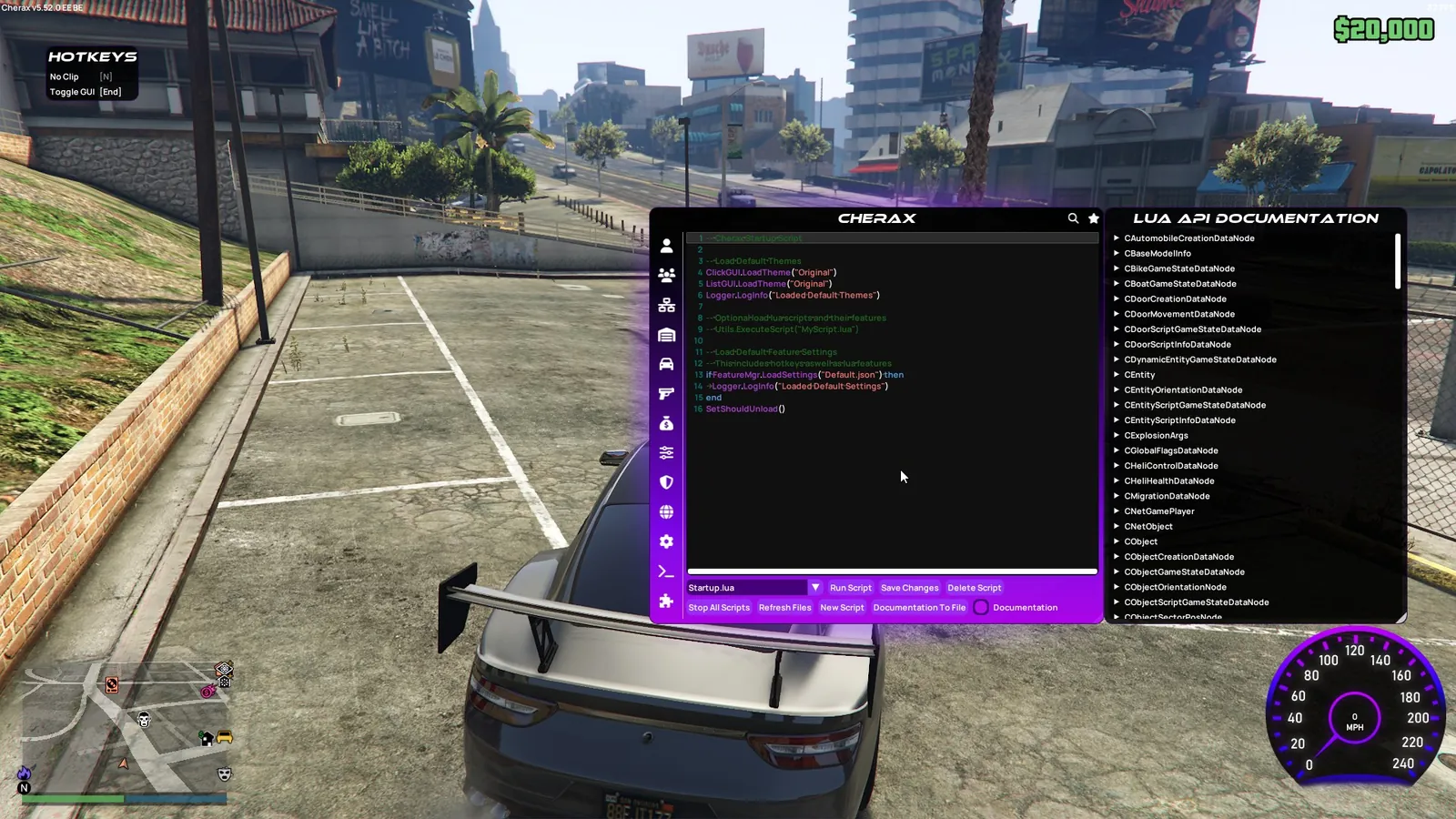
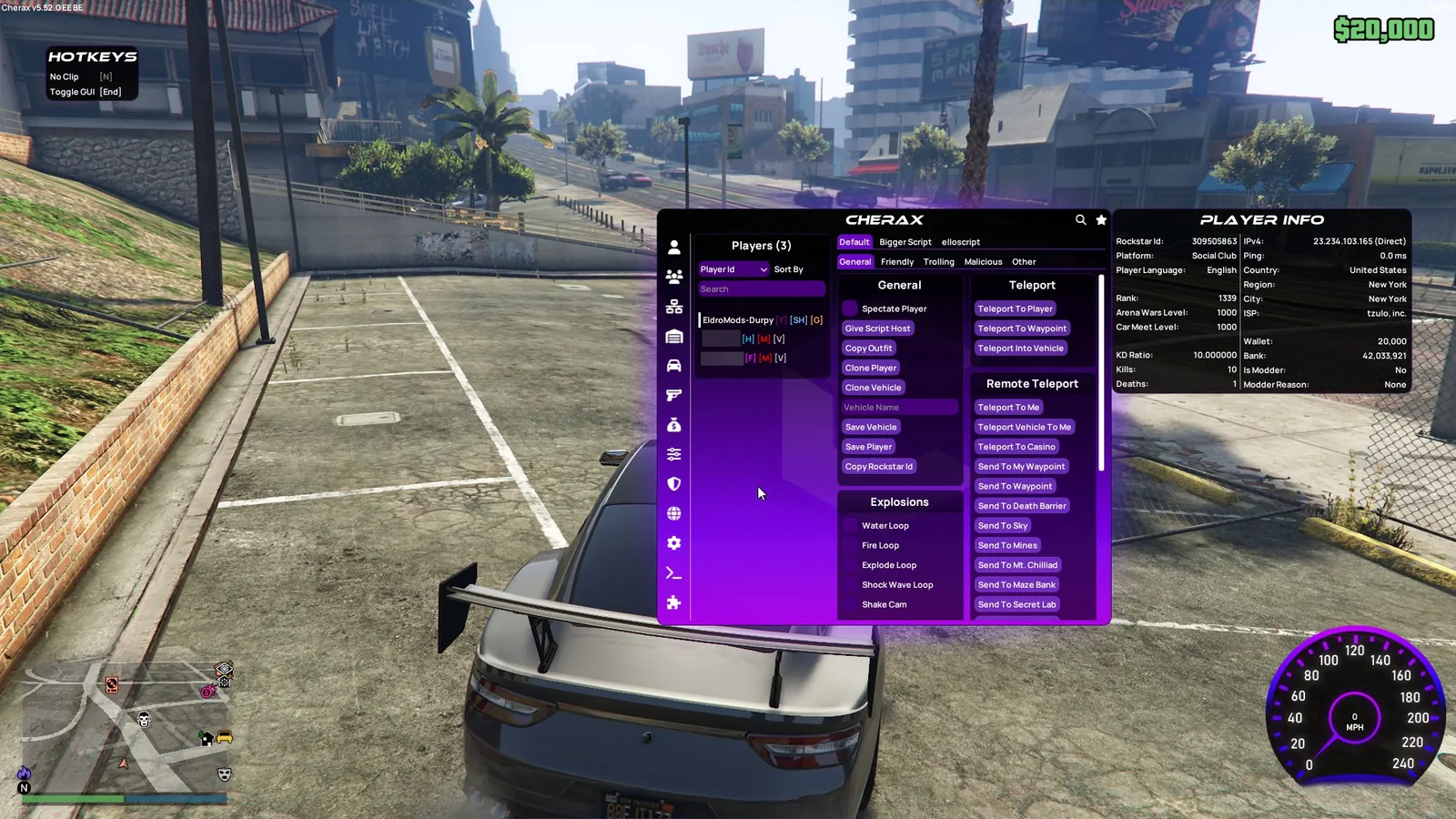
Click a screenshot to open it in full size.
Get your license
- Buy this product on the store and choose your option. The current price is always shown on the product page.
- Your license key is delivered instantly, on the order confirmation page, by email and under My Account → License Keys.
- Redeem the key on the developer's website, cherax.menu, not on the EldroMods store. See Activate your license.
Setup guide
Provided by the EldroMods team
Detailed setup and usage instructions are provided in our Discord community. (This section will be completed by the team.)
Developer links
These links lead to the developer's own sites. EldroMods support stays available on Discord.
Updates & status
Check whether this product is up, updating or down on the Product Status page. See Updates & product status.
Other menus for GTA V
Support
Need a hand? Open a ticket on Discord, our team is online 24/7. See also the FAQ and the Refund & Returns Policy.